Meta Ads Manager reported 312 conversions last month. Your CRM recorded 187 closed deals. Both numbers are technically correct. Neither one is telling you the full truth.
This is the core challenge of Facebook ads attribution: Meta counts every conversion that happened within its attribution window after an ad interaction, regardless of whether other channels were involved. The result is a dashboard that always looks better than your actual pipeline.
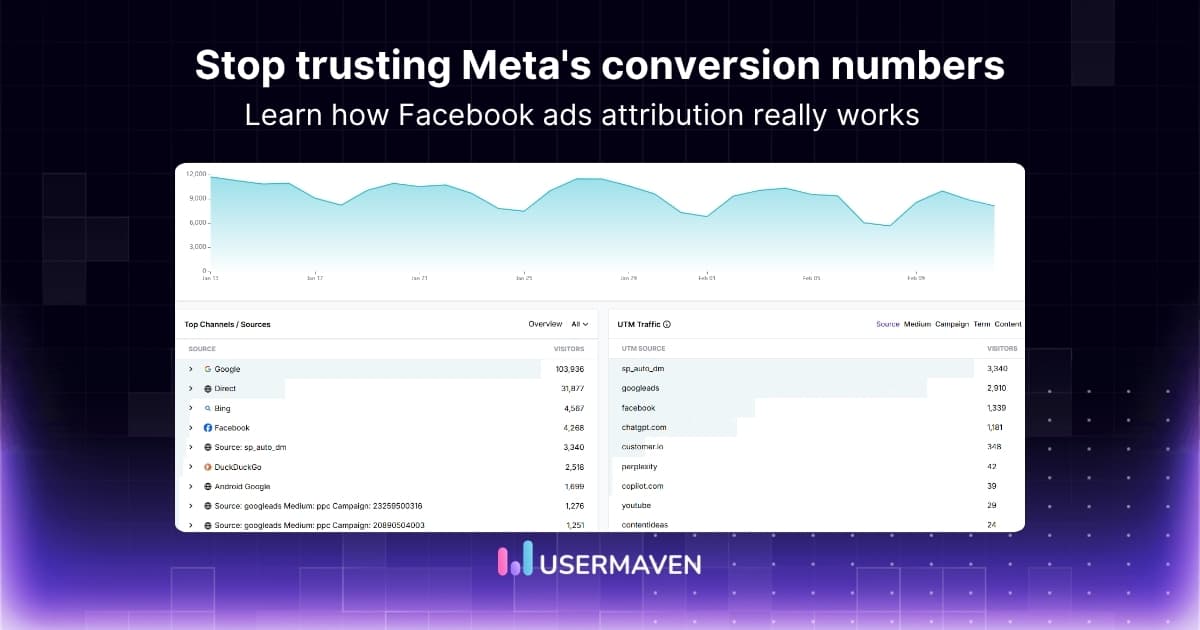
This guide explains exactly how Meta ads attribution works, how to configure it correctly, and why the gap between Meta’s numbers and your CRM is not something you can fix by changing a setting. Understanding the full scope of ad platform discrepancies is the starting point for anyone trying to make sense of conflicting attribution data.
It requires an independent layer entirely above Meta. This guide shows you how to build it.
Key takeaways
- Facebook and Meta ads attribution is the system Meta uses to credit your ads for conversions based on clicks and views within defined time windows
- Meta uses a 7-day click and 1-day view default window, which frequently claims credit for conversions that other channels drove
- Even a correctly configured Meta ads attribution setup will still show different numbers than your CRM because Meta counts differently by design
- The gap between Meta-reported conversions and actual CRM revenue is not a setup error. It is structural double-counting that only independent attribution resolves
- Usermaven sits above Meta’s attribution system and applies one consistent model across all channels, so every conversion is counted exactly once
What is Facebook and Meta ads attribution?
Facebook ads attribution, now officially called Meta ads attribution, is the system Meta uses to determine which ads deserve credit for a conversion. When a user sees or clicks a Meta ad and later completes a defined action, Meta’s attribution model assigns credit based on the interaction type and the configured time window.
Clarifying the naming: Facebook Ads became Meta Ads in 2021 when Facebook rebranded to Meta. The underlying attribution system works the same way. Both terms are used interchangeably by marketers, which is why both appear in search and reporting interfaces.
Meta attribution tracks two types of interactions. A click attribution counts a conversion when someone clicks your ad before converting. A view-through attribution counts a conversion when someone saw your ad but never clicked it, then converted through another path.
The distinction matters enormously for budget decisions. View-through attribution is how Meta claims credit for conversions you might attribute to Google, email, or organic search in your other reports. Understanding marketing attribution fundamentals helps teams see why this causes reporting gaps across channels.
For a deeper look at what attribution means across the full marketing stack, the complete ad tracking guide covers the mechanics in detail.
How Meta ads attribution works
Understanding the technical mechanism behind the Facebook ads attribution model helps teams configure it correctly and diagnose gaps when reported numbers do not reconcile with CRM data.

The Meta Pixel and Conversions API
Meta tracks user behavior using two methods. The Meta Pixel is a JavaScript snippet placed on your website that fires when users visit pages and complete actions. The Conversions API is a server-side tracking connection that sends conversion events directly from your server to Meta.
The Pixel fires from the user’s browser. The CAPI fires from your server. Together, they capture more complete data than either method alone. A user who has ad-blocking software will block the Pixel, but the CAPI still records their conversion.
According to Meta’s official attribution settings documentation, the platform assigns credit to ads based on the last-touch interaction within the configured window. Teams can customize this, but the default favours Meta’s own inventory.
Identity matching
Meta matches ad interactions to conversions using its own identity graph: the logged-in profiles of Facebook and Instagram users. When a user who saw your ad completes a conversion, Meta checks whether that person was exposed to your ad within the attribution window.
This approach only works for users who are logged into a Meta account. Anonymous users, users who cleared cookies, and users on devices where they are not logged in may not be matched correctly, creating gaps in the observed conversion count that Meta fills with modeled data.
Modeled conversions
After iOS 14.5 reduced Meta’s ability to track individual users across apps, Meta introduced statistical modeling to estimate conversions it can no longer observe directly. These modeled conversions are included in your reported numbers alongside real observed conversions with no visible separation between the two.
This is a core reason why Meta’s reported numbers frequently exceed actual CRM revenue. A portion of those reported conversions are estimates, not confirmed transactions. See GA4 ad blocker for how the same privacy-driven data loss affects other tracking tools differently.
Meta ads attribution windows explained
An attribution window defines the period in which marketing interactions are credited for conversions, enabling marketers to accurately interpret and optimize the customer journey.
The Facebook attribution window is the single most important setting in Meta ads attribution. Choosing the wrong window inflates or deflates performance numbers in ways that directly affect budget decisions.
What do the attribution window options mean
7-day click, 1-day view (default) is Meta’s Meta ads default attribution window. It counts any conversion within 7 days of a click and 1 day of a view. This is the most generous window and produces the highest reported conversion counts. It is also the most likely to claim credit for conversions that other channels influenced.
7-day click only counts conversions from users who clicked the ad within 7 days. Removing view-through attribution significantly reduces reported conversions for brand awareness and video campaigns but produces more accurate click-driven results.
1-day click only is the most conservative setting. It only credits conversions within 24 hours of clicking. This produces the lowest counts but the most reliable signal for direct-response campaigns with short consideration cycles.
1-day click, 1-day view keeps view-through attribution but tightens the click window. Useful for remarketing campaigns where the consideration cycle is short, and view-through still represents genuine brand recall.
Which window should you use?
The right meta ads attribution window depends entirely on your sales cycle and campaign type:
- E-commerce and direct response: 7-day click-only. Removes view-through inflation and still captures most impulse conversions within a week.
- B2B and lead generation: 7-day click-only or 1-day click, 1-day view. Longer sales cycles make view-through attribution increasingly unreliable and likely to double-count with other channels.
- Brand awareness and video: 7-day click, 1-day view may be appropriate since awareness campaigns are harder to attribute through clicks alone.
Why window choice affects ROAS dramatically
A campaign running with 7-day click, 1-day view will typically report 40 to 60 percent more conversions than the same campaign measured with 7-day click only. Neither number is wrong by Meta’s rules.
But the difference can make an average campaign look exceptional or a strong campaign look average, depending on which setting you use. Teams that switch windows mid-campaign invalidate all historical comparisons.
Understanding how the attribution window choice interacts with last-click attribution across platforms is essential before making any window decision.
Meta’s Conversions API documentation provides technical details on how server-side events interact with attribution windows and deduplication settings.
How to set up Meta ads attribution correctly
These steps apply whether you are configuring meta ads attribution settings for the first time or auditing an existing setup for gaps.

Step 1: Install the Meta Pixel correctly
Place the Meta Pixel base code on every page of your website, not just the conversion confirmation page. Full-site coverage ensures Meta captures the complete user journey rather than only the final conversion event.
Verify the Pixel is firing correctly using the Meta Pixel Helper Chrome extension before running any paid campaigns. Review analytics implementation mistakes to catch the most common Pixel setup errors before they corrupt campaign data.
Step 2: Set up the Conversions API
The Meta Pixel alone loses significant data in privacy browsers and after iOS opt-outs. The server-side tracking Conversions API sends conversion events from your server directly to Meta, recovering a portion of the conversions the Pixel misses.
Configure event deduplication IDs to prevent the same conversion from being counted twice, once from the browser Pixel and once from the server API. A missing deduplication ID inflates conversion counts before the data even reaches your reports.
Step 3: Configure your conversion events
Define exactly which actions count as conversions before launching campaigns. Purchase, Lead, CompleteRegistration, and InitiateCheckout are Meta’s standard events. Custom events allow you to track actions specific to your business.
Match your Meta conversion events to the same events tracked in your CRM and analytics tool. Inconsistent event definitions between platforms are a primary cause of the numbers gap teams encounter during reporting. See conversion tracking for the correct approach to defining events across tools.
Step 4: Set your attribution window
Navigate to Campaign settings in Meta Ads Manager and select the Facebook ads attribution setting that matches your sales cycle. Apply the same window consistently across all campaigns within the same account to ensure valid performance comparisons over time.
Document the window setting in your campaign naming convention or a shared tracking sheet. Attribution window changes invalidate period-over-period comparisons and are a common source of unexplained performance swings in quarterly reviews.
Step 5: Tag every campaign with UTM parameters
Every Meta campaign, ad set, and ad should carry consistent UTM parameters so your independent analytics tool can attribute sessions correctly without depending on Meta’s self-reported numbers.
UTM parameters are the bridge between Meta’s attribution and your analytics tool’s attribution. Without them, a significant portion of Meta-driven traffic appears as direct in your analytics reports, hiding the channel’s true contribution.
Step 6: Verify with test events before launch
Use Meta’s Test Events tool to confirm conversion events are firing correctly before spending significant budget. A missed test catches setup errors that would otherwise corrupt weeks of campaign data and produce misleading performance signals.
Unlock insights that drive growth
Why do your numbers still not match after the correct setup
Even with a perfectly configured Meta Pixel, Conversions API, and attribution window, the gap between Meta-reported conversions and CRM revenue persists. Here is why.
Structural double-counting across platforms
When a user sees a Meta ad on Tuesday and a Google ad on Thursday before converting on Friday, both Meta and Google claim the conversion. Meta claims it because the conversion happened within the 7-day click window. Google claims it because the user clicked a search ad before converting.
Your CRM records one deal. Your combined platform dashboards show two conversions. This is not a setup error. It is how attribution works when multiple platforms each apply their own rules.
View-through over-attribution
If view-through attribution is enabled, Meta credits conversions from users who saw your ad but never clicked it. These users may have converted entirely through a Google search, email, or direct visit. Meta still claims partial or full credit for the outcome.
This is why campaigns with large impression volumes often show dramatically higher conversion counts with 7-day click, 1-day view than with 7-day click only. The view-through conversions are real events, but the attribution to Meta may not reflect genuine Meta influence on the purchase decision.

Modeled conversions inflating observed data
A portion of Meta’s reported conversions are modeled estimates for users who opted out of tracking. These are statistical guesses, not observed events. They cannot be matched to CRM records because no real tracked event exists for them.
Modeled conversions are invisible in standard reports. Meta does not separate observed from modeled in the default dashboard view. Teams working with privacy-first analytics tools that use first-party data see only verified events, which is why those numbers are consistently lower than Meta’s self-reported figures.
Time zone and reporting delay mismatches
Meta attributes conversions by the time of the ad interaction, not the conversion event. A conversion at 11:58 pm may appear in a different day’s report than the CRM entry for the same deal, depending on each tool’s time zone setting.
This causes short-term discrepancies that frequently resolve over 24 to 48 hours but are misread as tracking failures. Data governance best practices for attribution reporting include documenting time zone settings for every platform before building comparison reports.
The fundamental mismatch: claimed vs actual revenue
Meta reports claimed conversions. Your CRM records actual closed deals. These two things measure different points in the customer journey using different methods. Narrowing the gap requires an independent attribution layer that counts from one authoritative source rather than inheriting each platform’s self-reported numbers.
This is the same structural problem that affects cross-platform ad tracking across all channels simultaneously. Meta is the most visible example because it is the most aggressive in claiming credit.
Meta ads attribution vs independent attribution
Understanding when to use Meta’s own attribution and when to rely on independent attribution is the key to making accurate budget decisions.
| Meta ads attribution | Independent attribution | |
|---|---|---|
| What it measures | Conversions Meta claims credit for | All conversions are counted once from one source |
| Attribution window | Meta’s own default (7-day click, 1-day view) | One consistent window applied to all channels |
| Cross-platform coverage | Meta only | Google, Meta, LinkedIn, TikTok, email, organic |
| Modeled conversions | Yes, mixed with observed data | No, only observed, verified events |
| Matches CRM data | Rarely | Designed to reconcile |
| View-through counting | Enabled by default | Configurable per campaign type |
| Double-counting | Built-in across platforms | Eliminated by design |
| Best used for | In-platform campaign optimisation and bidding | Strategic budget decisions and CFO reporting |
Meta’s attribution is essential for optimising campaigns within Meta’s ecosystem. Smart Bidding uses it. Audience optimization uses it. You cannot ignore it.
But it is a poor basis for business-level budget decisions. For quarterly planning, channel mix decisions, and leadership reporting, independent attribution that counts each conversion once produces a number that can be defended.
The right approach is to use Meta attribution for in-platform optimisation and independent attribution for strategic decisions. The guide to marketing attribution models explains how different models affect what each approach measures across the full channel mix.
For teams managing this challenge across Google, LinkedIn, and TikTok simultaneously, the cross-channel marketing attribution guide covers the multi-platform dimension.
How Usermaven fixes Meta attribution gaps
Usermaven is an AI-powered marketing attribution platform that connects ad platforms, CRM, and website data to track the full customer journey in real time using first-party and server-side tracking across every paid channel you run.
Instead of inheriting Meta’s self-reported numbers, Usermaven applies one consistent measurement layer above Meta, Google, LinkedIn, TikTok, and organic simultaneously.
Independent tracking above Meta
Usermaven tracks conversions using its own first-party data pixel and server-side infrastructure rather than inheriting what Meta reports. This produces one canonical conversion count that does not inflate when Meta applies view-through credit or includes modeled estimates.
As an advanced marketing attribution software, it connects Meta touchpoints to CRM outcomes and revenue data in one workspace.
One attribution model applied across all channels
Rather than accepting Meta’s 7-day click, 1-day view default, Usermaven applies one consistent attribution model across Google, Meta, LinkedIn, TikTok, and organic simultaneously. This eliminates the double-counting that makes combined platform totals exceed CRM revenue.
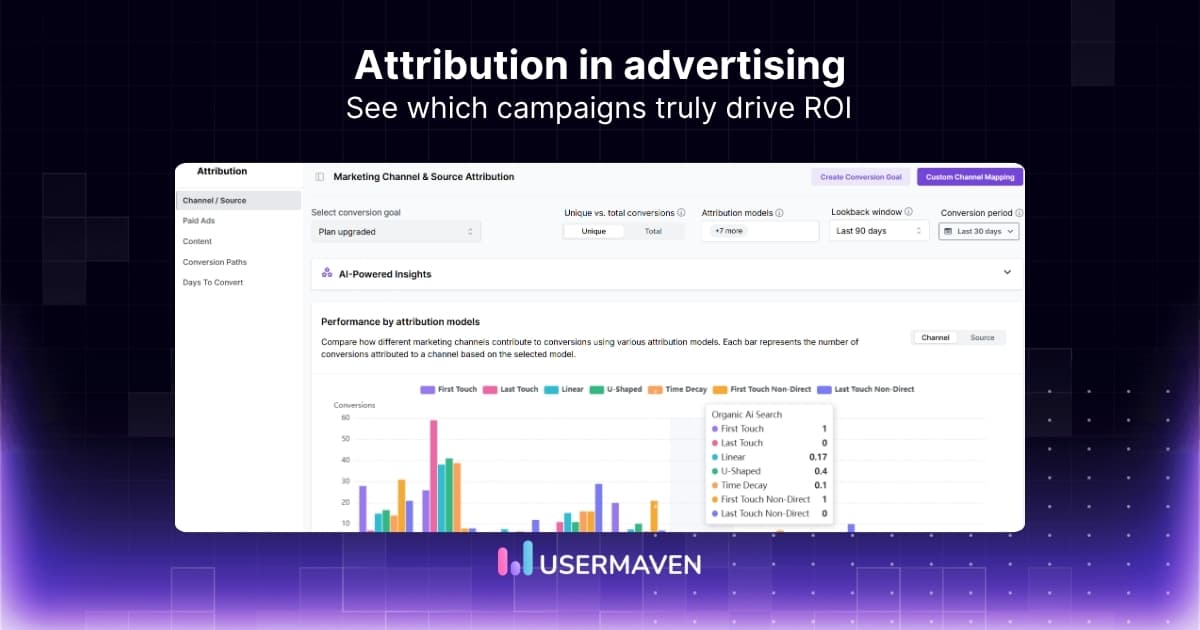
Teams switch between seven models: first-touch, last-touch, linear, time-decay, position-based, data-driven, and custom rules to see how credit is distributed across the full customer journey. This is what multi-touch attribution looks like when applied consistently across every platform.

Ad-blocker bypass for complete Meta data
Meta’s Pixel misses a significant portion of conversions in privacy browsers. Usermaven’s cookieless tracking and ad-blocker-aware infrastructure capture near-complete session data, recovering conversions that Meta’s own pixel loses in environments where users have tracking protection enabled.
GDPR and CCPA compliance by default
Usermaven uses GDPR and CCPA compliant tracking methods built on first-party data and consent-aware infrastructure. For teams running Meta campaigns across EU and California audiences simultaneously, this removes the compliance burden from the tracking setup without sacrificing attribution accuracy.
Drive business growth
with AI-powered analytics
Conclusion
Meta ads attribution is a platform-level measurement tool designed to optimize campaigns within Meta’s ecosystem. It is not designed to give you an accurate picture of Meta’s true contribution to your business revenue.
The gap between Meta’s dashboard and your CRM is not a bug. It is a feature of how Meta measures success.
Every platform wins. Your job is to measure to find truth.
A correctly configured Meta attribution setup is the floor. Independent attribution that sits above every platform and counts each conversion once is the ceiling. Usermaven’s guided analytics setup walks you through building that independent layer across Meta and every other channel you run.
Ready to see Usermaven in action? Explore the platform or book a demo for a closer look.
FAQs
1. What is Facebook ads attribution?
Facebook ads attribution, now Meta ads attribution, is the system Meta uses to determine which ads deserve credit for a conversion. When a user interacts with your ad and later completes a defined action, Meta’s attribution model assigns credit based on the interaction type and the configured time window.
2. What is the default Meta ads attribution window?
Meta’s ads default attribution window is 7-day click and 1-day view. This means Meta claims any conversion within 7 days of an ad click or 1 day of an ad view. You can change this in Campaign settings to 7-day click only, 1-day click only, or 1-day click and 1-day view, depending on your sales cycle.
The 7-day click 1-day view attribution default is the most generous window and consistently produces higher reported conversions than more conservative alternatives.
3. Why does Meta report more conversions than my CRM?
Three structural reasons cause this gap. First, Meta uses view-through attribution by default, which claims conversions from users who saw but never clicked your ad. Second, Meta includes modeled conversions estimated by machine learning for users who opted out of tracking. Third, Meta claims the same conversions that Google, LinkedIn, and other platforms also claim in their own dashboards.
This is structural double-counting, not a setup error. The ad tracking software guide explains how independent tools resolve this by counting each conversion once.
4. What is the best attribution window for Meta ads?
For e-commerce and direct-response campaigns, 7-day click-only removes view-through inflation while still capturing most intent-driven conversions. For B2B and lead generation with longer sales cycles, 7-day click-only or 1-day click, 1-day view produces more reliable numbers.
Apply the same Facebook ads attribution setting consistently across all campaigns. Changing windows mid-campaign invalidates all historical comparisons and creates reporting gaps that look like performance swings.
Updated

Written by
Junaid Ahmed
Content Writer & Digital Marketer
Junaid Ahmed is a content and copywriter with 3+ years of experience creating research-driven content across SaaS, B2B, ecommerce, and digital marketing. He specializes in turning complex topics into clear, practical content that helps marketers better understand their challenges, evaluate solutions, and make informed decisions. His work spans educational content, industry insights, and actionable marketing guides.
All articles by Junaid →