Analytics should be useful, not excessive.
More tracking does not always lead to better insight. In many cases, it just creates more noise, more risk, and more questions.
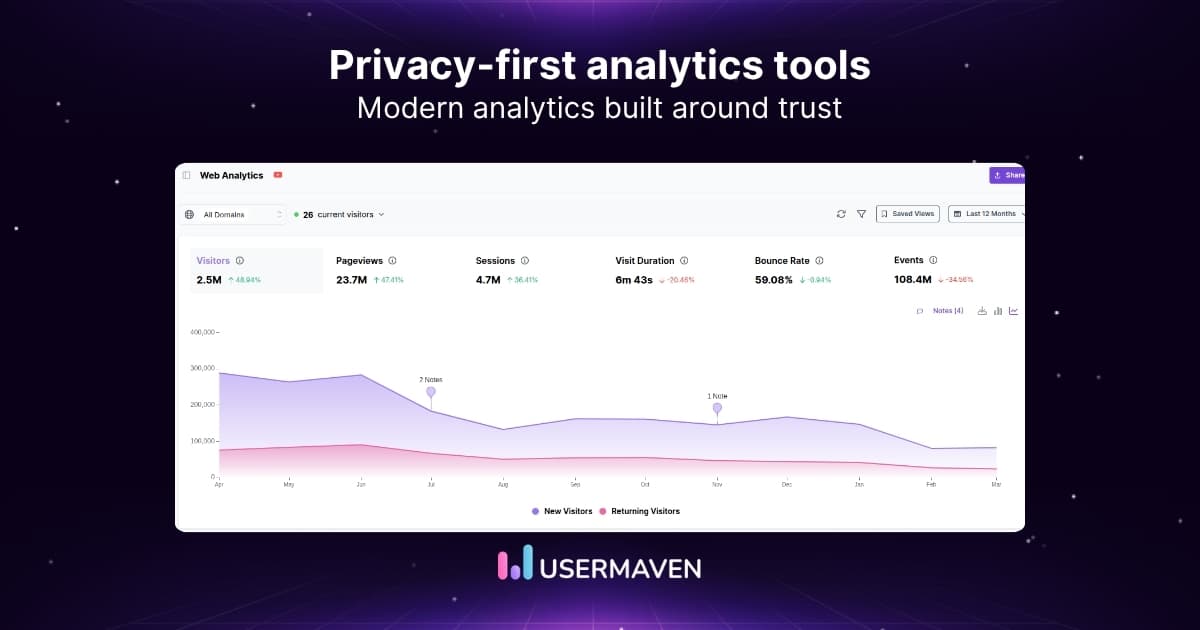
That is why privacy-first analytics tools are getting more attention. They offer a more balanced way to measure website performance and understand user behavior without relying on invasive tracking or collecting more data than necessary.
As privacy expectations continue to change, more businesses are rethinking how they approach analytics. In this blog, we’ll look at what privacy-first analytics tools are and which platforms are worth considering.
Understanding privacy-first analytics
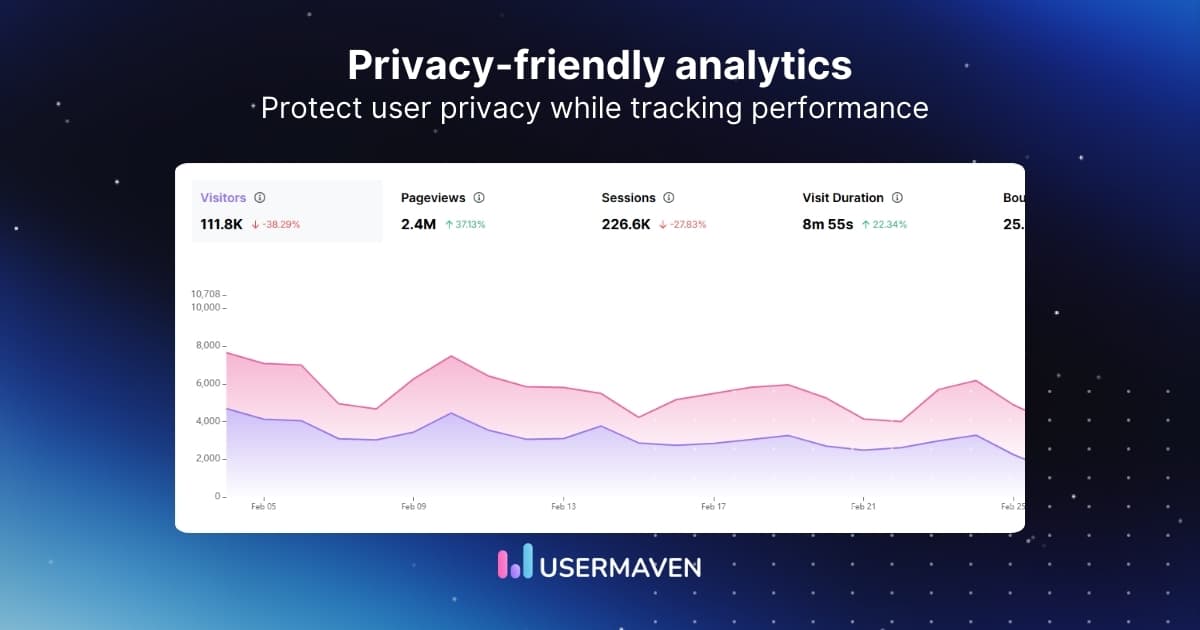
Privacy-first analytics tools help businesses measure website and campaign performance without relying on aggressive data collection. Instead of collecting as much user data as possible, privacy-friendly analytics focuses on the signals that are actually useful.
This approach matters more now because the rules around digital tracking have changed. Privacy regulations are stricter, browsers are limiting traditional tracking methods, and users are more aware of how their data is being handled.
As a result, older analytics setups are becoming harder to trust, harder to maintain, and in some cases, harder to justify.
Privacy-first analytics tools help businesses:
- Reduce reliance on intrusive tracking
- Stay closer to privacy requirements
- Build more trust with visitors
- Keep reporting cleaner and easier to manage
In simple terms, they help you understand what is working without collecting more data than you really need.
That is exactly why they are becoming less of a niche choice and more of a smart default.
Best privacy-first analytics tools to consider
Privacy-first analytics has grown well beyond simple traffic reporting.
Some tools are built for lightweight website insights, while others support funnels, product usage, cookieless attribution, and deeper customer journey analysis.
To make the options easier to compare, here is a side-by-side look at what each platform is best suited for.
| Tool | Primary focus | Use case | Best for |
| Usermaven | AI-powered analytics and advanced marketing attribution | Tracking journeys, funnels, conversions, and attribution in one place | SaaS and growth teams |
| Umami | Lightweight web analytics | Simple website reporting with more control and a self-hosted option | Developers and small teams |
| Plausible | Privacy-first website analytics | Monitoring traffic, goals, and campaign performance in a clean dashboard | Marketing teams, startups, and content sites |
| Fathom | Simple website analytics | Getting clear traffic insights without adding reporting complexity | Businesses that want minimal setup |
| PostHog | Product and behavioral analytics | Analyzing user behavior, retention, and deeper product engagement | Product and engineering teams |
| Vercel Web Analytics | Built-in website analytics | Tracking traffic and events inside the Vercel ecosystem | Teams already using Vercel |
| Matomo | Website analytics with deployment flexibility | Managing analytics with stronger control over hosting and privacy settings | Organizations that want more control over data |
| TelemetryDeck | App analytics | Measuring app usage, engagement, and retention with a lightweight setup | App and product teams |
1. Usermaven

Usermaven is a leading marketing attribution platform with privacy-compliant analytics that helps teams understand which channels, campaigns, and touchpoints drive revenue. It combines website analytics and product analytics in one place, providing deeper insights than a basic traffic dashboard.
Its no-code analytics setup makes it easier to track user behavior, monitor conversion paths, and understand how people move from first visit to key actions. It also supports GDPR and CCPA compliance, making it a strong fit for businesses that want clearer insight while staying aligned with modern privacy standards.
Key features
- Cookieless tracking
- Automatic event tracking + custom events
- Customizable analytics dashboard
- Funnel and cohort analysis
- User journey reporting
- Multi-touch attribution
- AI insights with Maven AI
Best for: SaaS and growth teams looking for an advanced marketing attribution platform with privacy-compliant analytics and richer insights than traditional web analytics tools.
Grow smarter with privacy-first analytics
2. Umami

Umami is an open-source web analytics tool built for simple and privacy-focused website reporting. It gives you a clean view of traffic, events, and referrers without adding unnecessary complexity.
Key features
- Website traffic analytics
- Event tracking
- Anonymized data collection
- Referrer and campaign data reporting
- Open-source with a self-hosted option
Best for: Developers and small teams that want simple website analytics with more control.
3. Plausible

Plausible is a lightweight web analytics platform designed for clear and focused website reporting. It covers the core metrics most teams need in a dashboard that is easy to read.
Key features
- Traffic and pageview reporting
- Goal and event tracking
- Campaign and referrer insights
- Lightweight script
Best for: Marketing teams, startups, and content sites that want clear website analytics.
4. Fathom

Fathom is a website analytics tool built around simplicity and ease of use. It focuses on core traffic insights and keeps reporting clean and easy to manage.
Key features
- Website traffic reporting
- Cookieless tracking
- GDPR-focused compliance features, including EU isolation
- Long-term data retention
Best for: Businesses that want straightforward website analytics with minimal setup.
5. PostHog

PostHog is a product and web analytics platform built for teams that need deeper behavioral insight. It goes beyond surface-level reporting and works well for businesses that want to analyze user activity in more detail.
Key features
- Privacy controls for compliance workflows
- Event autocapture
- Funnel analysis
- Retention reporting
Best for: Product and engineering teams that want deeper user behavior analysis.
6. Vercel Web Analytics

Vercel Web Analytics is a built-in analytics tool for teams already using Vercel. It focuses on website traffic and visitor insights with a setup that fits naturally into the Vercel workflow.
Key features
- Traffic reporting
- Pageview tracking
- Custom events
- Built-in Vercel integration
Best for: Teams on Vercel that want simple website analytics without extra setup.
7. Matomo

Matomo is a privacy-focused analytics platform that gives businesses more control over their setup and data. It supports website analytics across both cloud and self-hosted environments.
Key features
- Website analytics and reporting
- Self-hosted and cloud options
- Event tracking
- Configurable privacy controls
Best for: Organizations that want more control over deployment and data ownership.
8. TelemetryDeck

TelemetryDeck is an analytics platform designed mainly for apps and digital products. It helps teams track usage, engagement, and retention in a way that stays lightweight and focused.
Key features
- App usage analytics
- Event tracking
- Retention insights
- Quick setup for apps
Best for: App and product teams that want lightweight usage analytics.
9. Mitzu

Mitzu is a warehouse-native analytics platform for teams that want to work directly from their own data stack. It is designed for companies that need more flexibility in how they analyze product, marketing, and revenue data.
Key features
- Warehouse-native analytics
- Product and marketing analysis
- KPI tracking
- SQL-based exploration
Best for: Data-driven teams that already rely on a warehouse for analysis.
10. Simple Analytics

Simple Analytics is a privacy-focused website analytics tool focused on essential traffic reporting. It is built for teams that want a clean dashboard and a simpler alternative to traditional web analytics tools.
Key features
- Website traffic reporting
- EU-hosted and encrypted data handling
- Campaign and referrer insights
- Easy-to-use dashboard
Best for: Businesses that want essential website analytics in a simple, privacy-first setup.
How to choose the right privacy-first analytics tool
Choosing a privacy-compliant analytics tool is about finding the right balance between useful visibility and responsible data collection.
The right choice comes down to how much insight you need, how seriously you take privacy, and how much complexity your team can realistically manage.
Here is what to look at before you decide.
1. Start with your reporting needs
The first question is simple: what do you want the tool to show you?
If you only need high-level website traffic insights, a lightweight tool may be enough.
If you also want to track conversions, funnels, campaign performance, or customer journeys, you will need something with more depth.
2. Look closely at how the tool approaches online privacy
A tool can call itself privacy-first and still leave important questions unanswered.
Look at whether it relies on cookies, how it handles consent, what kind of data it collects, and whether its setup supports regulations like GDPR and CCPA.
This matters because online privacy is not just a legal checkbox. It affects how comfortable users feel on your site and how confidently your team can stand behind the data you collect.
3. Make sure privacy does not come at the cost of useful insight
Good privacy-first analytics should reduce risk without reducing clarity.
You should still be able to measure campaign performance, understand user behavior, and see what is moving people toward action.
If a tool protects privacy but only gives you surface-level numbers, it may be compliant, but it will not be very helpful.
The best options give you a balance of respectful data collection and reporting that you can actually act on.
4. Check whether the data will hold up over time
Traditional tracking methods are becoming less dependable as browsers tighten restrictions and users become more privacy-aware.
That means the real question is not just what a tool can track today, but how durable that tracking will be going forward.
A strong privacy-first analytics tool should be built for a landscape where privacy expectations keep rising, not one that depends on workarounds that may not last.
5. Choose a tool your team will keep using
Even the best analytics platform loses value if the reporting is hard to navigate or the setup is too heavy to maintain.
Look for a tool that fits your team’s workflow, supports clear reporting, and makes privacy-conscious measurement easier rather than more complicated.
The simpler it is to stay compliant and still get useful answers, the more likely your team is to use the platform consistently.
Wrapping up
Privacy-first analytics is not a limitation. It is a reset. It pushes businesses to stop chasing excessive data and start focusing on the signals that are actually useful, sustainable, and easier to trust.
That is why the strongest teams do not stop at surface-level reporting. They also need to understand which efforts are creating real business impact, and that is where Usermaven stands out as a powerful marketing attribution platform built to connect campaigns, customer journeys, and revenue in one clear view.
Ready to see Usermaven in action? Explore the platform or book a demo for a closer look.
FAQs about privacy-first analytics tools
1. Can privacy-first analytics track conversions from paid ads?
Yes, many privacy-first analytics tools can track conversions from paid ads. The difference is that they do it with a more privacy-conscious setup, often relying less on invasive tracking and more on first-party, event-based, or cookieless measurement.
2. What happens to my historical data if I cancel my subscription?
That depends on the platform. Some tools let you export historical data before cancellation, while others limit access once the subscription ends, so it is worth checking data retention and export options upfront.
3. Will privacy-first analytics tools work with my existing CMS or website builder?
Yes. Many privacy-first analytics platforms work with common CMSs and website builders through scripts, tags, plugins, or simple integrations, which makes setup fairly straightforward.
4. How can I track user engagement on my site while respecting data privacy regulations?
Use a privacy-first analytics tool that tracks key engagement signals like pageviews, events, and conversions without collecting unnecessary personal data. That gives you useful insight while staying closer to privacy regulations and user expectations.
5. What are the best alternatives to traditional web analytics for privacy-conscious businesses?
Tools like Usermaven, Plausible, Fathom, Umami, and Simple Analytics are strong alternatives to traditional web analytics. They are built to give you useful visibility with a more privacy-conscious approach to tracking.
Updated

Written by
Ryan Mitchell
Marketing Analytics Strategist
Ryan Mitchell is a marketing analytics strategist specializing in campaign measurement, customer journeys, and marketing performance. He writes about analytics, reporting, and data-driven marketing strategies, helping SaaS and B2B teams measure what matters across every stage of the customer journey.
All articles by Ryan →