A buyer-focused comparison of visual journey mapping and observed customer behavior analysis
A team can draw a flawless customer journey map and still miss the screen where real users abandon signup. Another team can measure every click yet have no shared picture of what customers expected at each stage.
The best customer journey mapping tools solve different jobs. Visual platforms help people design and discuss experiences; journey analytics platforms show the paths customers actually take.
This comparison covers both categories, including where marketing attribution software fits when the real decision is which journeys create conversions and revenue.
Key takeaways
- Choose the job first: Visual mapping tools document stages, emotions, evidence, and handoffs. Analytics tools examine observed events, conversion paths, and drop-offs.
- Compare like with like: Usermaven and Mixpanel are not direct substitutes for Miro or UXPressia. Many teams need one tool from each category.
- Demand usable evidence: A convincing journey map should combine customer interviews or feedback with behavioral and business-outcome data where tracking permits.
- Measure the next action: Track milestones such as completed onboarding, qualified leads, orders, or renewals—not merely pageviews or clicks.
- Price the whole workflow: Account for collaborators, tracked events, sessions or replays, integrations, governance, and implementation—not just an entry plan.
- Treat analytics as partial visibility: Missing identities, consent boundaries, and offline interactions mean that even detailed journey diagrams are not a complete record of every customer.
Best customer journey mapping tools compared
The table separates tools that help design the expected experience from tools that measure observed digital behavior. “Best for” refers to a practical fit, not a laboratory ranking.
| Tool | Category | Best for | Primary trade-off |
|---|---|---|---|
| Usermaven | Journey analytics | Conversion paths and revenue attribution | Not a free-form workshop mapping canvas |
| Amplitude | Journey analytics | Advanced product path analysis | Event architecture requires care |
| Mixpanel | Journey analytics | Funnels, flows, behavior cohorts | Not a visual service blueprint designer |
| Pendo | Journey analytics | In-app adoption and guidance | Broader offline mapping requires another tool |
| Fullstory | Experience analytics | Replay-based friction diagnosis | Session capture and review need governance |
| Heap | Journey analytics | Autocaptured behavior and journeys | Event definitions still need validation |
| Contentsquare | Experience analytics | Enterprise digital experience insights | A heavier platform than a mapping canvas |
| Hotjar | Experience analytics | Heatmaps, recordings, feedback | Not an end-to-end revenue attribution platform |
| Miro | Visual mapping | Cross-functional workshops | Limited native behavioral measurement |
| UXPressia | Visual mapping | Personas and documented journeys | Analytics generally require separate systems |
| Smaply | Visual mapping | Service design and blueprints | Not a digital-product event analytics tool |
| TheyDo | Visual mapping | Enterprise journey governance | More process than a simple whiteboard |
| Lucidchart | Visual mapping | Structured flow diagrams | Less specialized journey research workflow |
| FigJam | Visual mapping | Design-team collaboration | Quantitative analysis needs another tool |
Visualize & optimize
user journeys with Usermaven
Visual mapping vs. journey analytics
A visual journey map is a research and collaboration artifact. It can show customer goals, emotions, touchpoints, owners, pain points, and future-state opportunities. Its accuracy depends on the quality of the evidence put into it.
Customer journey analytics uses captured activity to examine actual sequences—such as campaign visit → signup → first successful action → purchase—and compare cohorts. It observes only the interactions the tracking system can see.
| Buying question | Visual mapping | Journey analytics |
|---|---|---|
| What did the customer expect? | Interviews, personas, workshops | Only indirectly; needs feedback |
| Which path was common? | Hypothesis or summarized research | Observed event and page sequences |
| Where did people drop off? | Research-based pain points | Measured funnel and path losses |
| What should teams redesign? | Cross-team opportunity mapping | Behavioral evidence for prioritization |
| What connects to revenue? | Manual evidence annotation | Conversion and attribution reporting where supported |
For teams wanting both, use a design canvas to state a hypothesis, then test its measurable steps through customer journey analytics. Keep customer interviews in the process for motives analytics cannot observe.
A practical customer journey mapping framework can document customer expectations, evidence gaps, touchpoints, and ownership before technical tracking begins.
Best customer journey analytics tools
1. Usermaven

Best for: Teams connecting journeys to conversion and revenue.
Usermaven combines observed user paths with funnels, conversion goals, product behavior, and marketing attribution. Teams can analyze actions before or after a page or event, compare sessions with user-level paths, and inspect common routes to an outcome.
Consideration: The distinction is important: Usermaven analyzes recorded interactions; it is not a persona-design canvas or a replacement for moderated customer research.
Pricing approach: Review current Business and Enterprise packaging against event volumes and attribution needs; verify specific access before purchase.
2. Amplitude
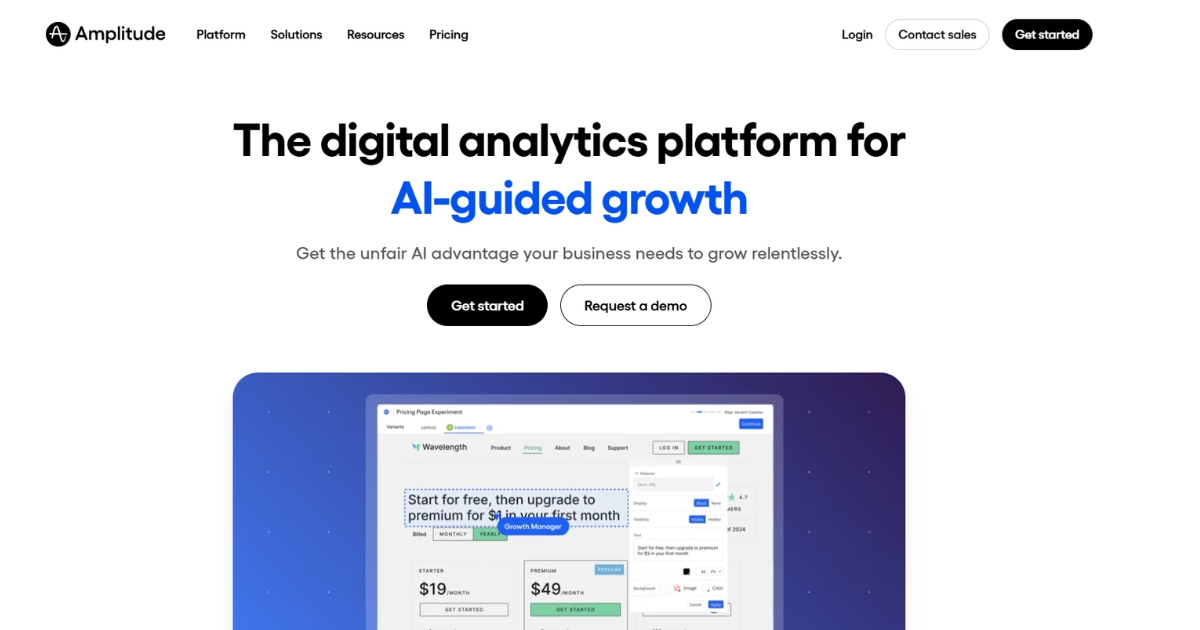
Best for: Product teams diagnosing complex behavioral paths.
Amplitude Journeys combines Pathfinder and Journey Map views for analyzing event sequences, segments, and conversion windows. It is useful for testing whether users follow expected onboarding routes or take detours before activating.
Consideration: Teams need a consistent event taxonomy and must understand why a journey path and a constrained funnel may count events differently.
Pricing approach: Usage- and plan-dependent access; estimate user and event requirements alongside governance needs.
3. Mixpanel

Best for: Self-serve product behavior, flows, and cohorts.
Mixpanel’s Flows and Funnels examine the paths people take before or after important events. Teams can segment the results to compare new and returning users or find routes associated with churn and activation.
Consideration: A flow visualization cannot explain a user’s motivations. It also depends on event definitions, identity handling, and appropriate measurement windows.
Pricing approach: Usage-based product analytics plans; model forecast event volume and required capabilities.
4. Pendo

Best for: Software product adoption and in-app guidance.
Pendo Paths can show behavior around pages, features, and guide interactions. Product teams can pair adoption analysis with in-app guidance to identify and address onboarding obstacles.
Consideration: Pendo is not a general-purpose customer service blueprint tool. Teams mapping phone calls, stores, and back-office steps will need additional qualitative and operational inputs.
Pricing approach: Product- and plan-dependent; confirm analytics, guidance, and support requirements in a quote.
5. Fullstory

Best for: Finding the friction behind a failed digital step.
Fullstory combines session replay, funnels, segments, and digital experience analysis. When a funnel reveals drop-off, teams can inspect sampled or captured sessions for usability errors, unclear controls, or technical problems.
Consideration: Replay-based evidence is valuable but incomplete; session coverage, privacy controls, and review effort determine what can responsibly be concluded.
Pricing approach: Quote or usage-oriented packaging; evaluate replay volume, retention, and access controls.
6. Heap
Best for: Behavioral exploration with autocapture.
Heap provides autocaptured activity, journeys, funnels, and behavioral segmentation. It helps teams investigate paths that were not anticipated when an instrumentation plan was first written.
Consideration: Autocapture does not make every event meaningful: teams must define important business events, mask sensitive information, and verify identity continuity.
Pricing approach: Free entry and tiered or custom plans; check data retention, sessions, and replay add-ons.
7. Contentsquare
Best for: Digital experience optimization across large sites.
Contentsquare combines journey and behavior analysis with experience features such as zone-based heatmaps and session replay. Large ecommerce and digital teams can connect page-level friction with wider journeys.
Consideration: The platform is not a replacement for mapping customer emotions or offline service handoffs. Analytics deployment and enterprise governance can add complexity.
Pricing approach: Scope by traffic, modules, and enterprise requirements rather than assuming one fixed price.
8. Hotjar
Best for: Fast website behavior and user feedback.
Hotjar provides heatmaps, recordings, surveys, and funnel views useful for understanding how people react to a particular page or flow. Teams often pair that evidence with their quantitative conversion reporting.
Consideration: Hotjar, Heap, and Contentsquare belong to the Contentsquare group but represent different product experiences. Do not assume every feature is included in every license.
Pricing approach: Free entry and tiered capabilities; confirm recording, survey, and access allowances.
Best visual customer journey mapping tools
9. Miro
Best for: Shared journey workshops and stakeholder alignment.
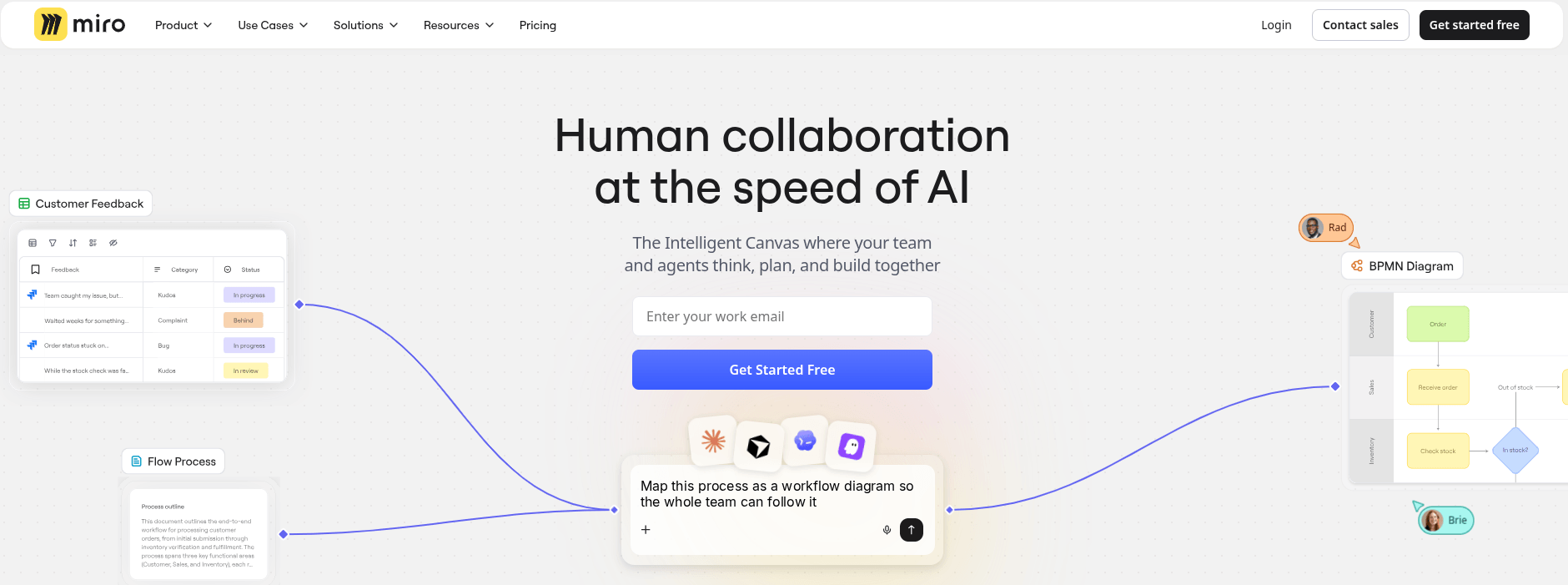
Miro offers collaborative whiteboards, journey map templates, comments, facilitation features, and room for research notes and screenshots. A product, sales, and support team can map a current-state journey together before deciding which steps need evidence.
Consideration: Its flexibility is a strength and a constraint: teams must agree on a template, owners, and update cadence or boards become hard to maintain.
Pricing approach: Free entry option with paid collaboration and governance tiers. Check editor permissions and guest access before rollout.
10. UXPressia
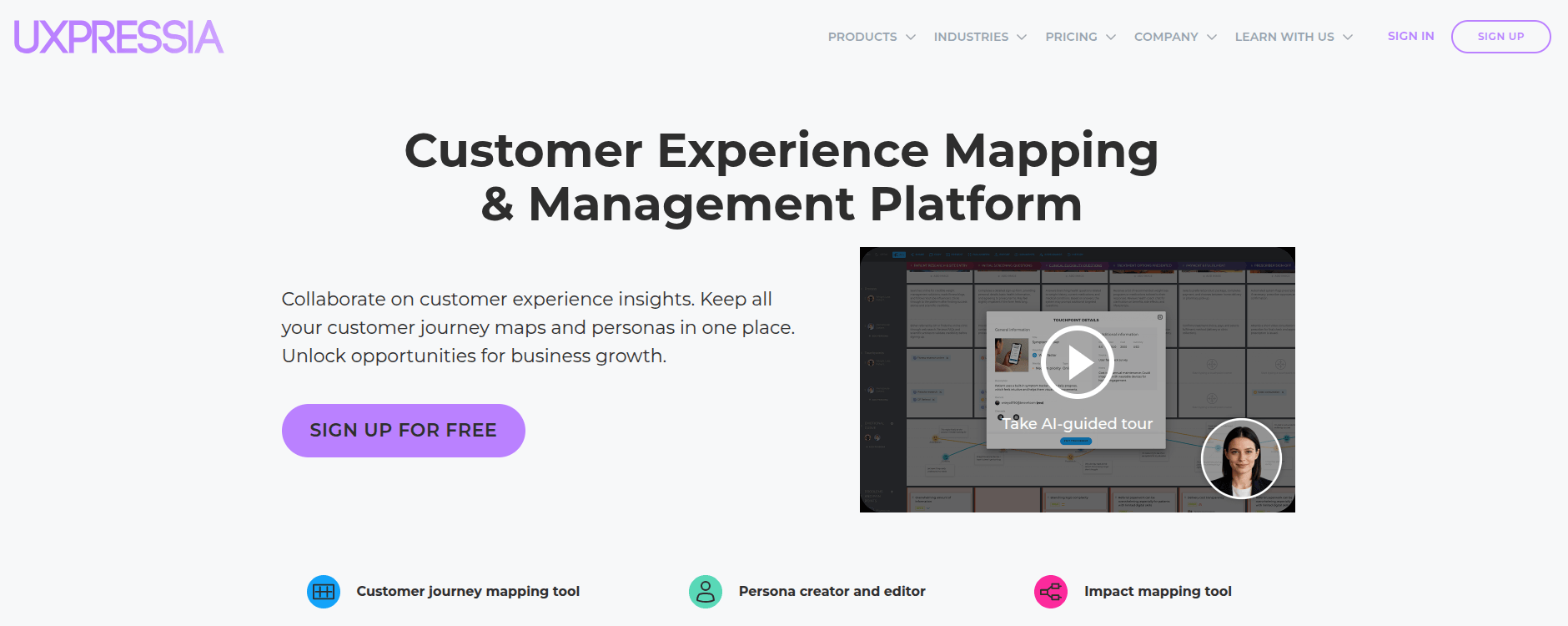
Best for: Journey maps paired with personas.
UXPressia provides dedicated customer journey maps, personas, and impact maps with live collaboration and export features. It is suited to a research lead who needs repeatable documents rather than unstructured sticky-note boards.
Consideration: Customer actions and pain points still require interview findings or imported evidence; a journey map does not automatically become a tracking system.
Pricing approach: Free plan with document limits, plus per-user paid and enterprise plans. Assess map, sharing, and export allowances.
11. Smaply
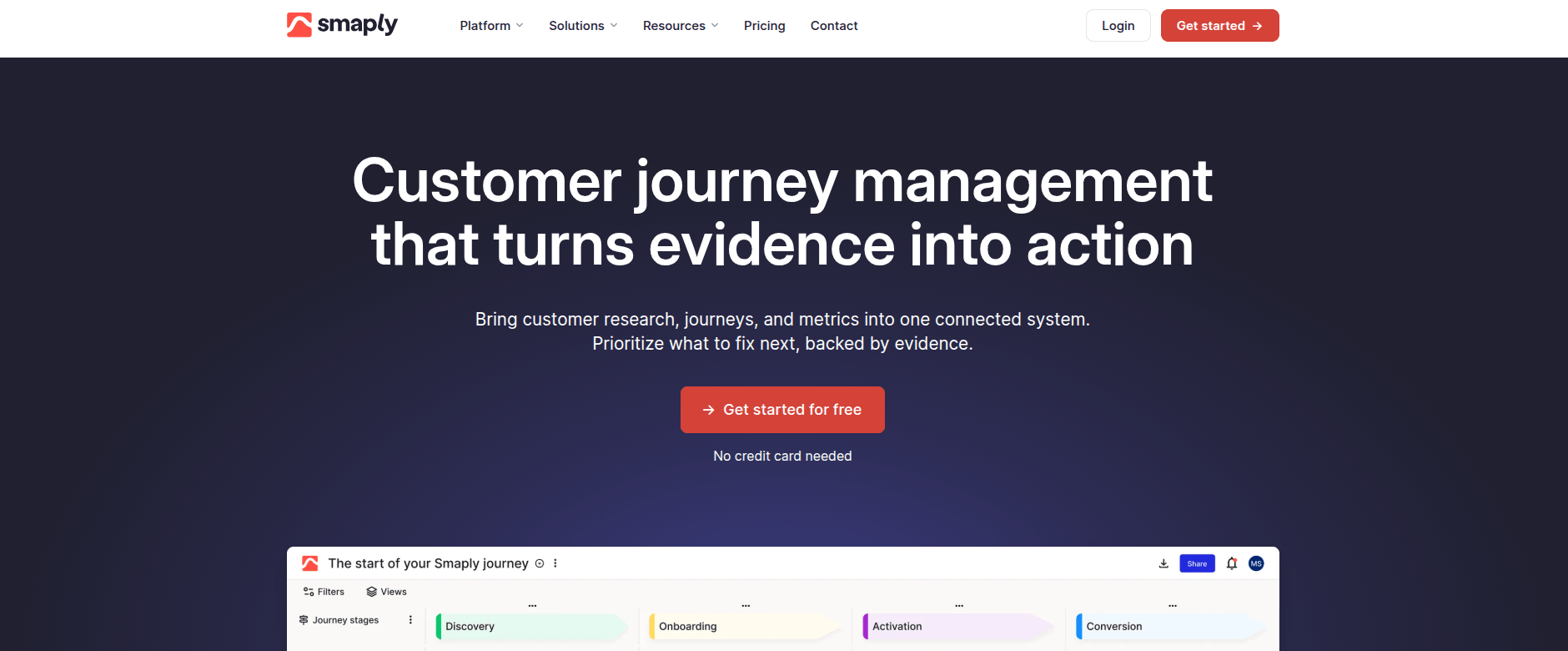
Best for: Service experiences crossing teams and channels.
Smaply centers journey maps, personas, stakeholder maps, and service design methods. It can help hospitals, service companies, and support organizations show how customer-facing steps depend on people and backstage processes.
Consideration: This is an experience-design environment, not a substitute for event funnels or revenue attribution. A service blueprint may still need operational data from other systems.
Pricing approach: Plan-based access; verify collaborator, workspace, and governance needs before choosing.
12. TheyDo
Best for: Enterprise journey governance and prioritization.
TheyDo emphasizes shared customer experience context across teams, with structured journeys and organizational use of evidence and opportunities. It suits businesses attempting to manage a connected portfolio rather than produce isolated workshop diagrams.
Consideration: The setup and governance overhead may be excessive when one team only needs an occasional map. Test fit with a small cross-functional program first.
Pricing approach: Consult current plans for governance, integration, and enterprise deployment requirements.
13. Lucidchart
Best for: Precise customer flows and process diagrams.
Lucidchart provides structured diagramming, templates, connectors, and collaborative editing. Teams that already document process flows can use it to make journey stages, handoffs, decision branches, and dependencies legible.
Consideration: It does not inherently interpret behavioral events or identify why a conversion rate changed. Research context and analytics must be attached or maintained separately.
Pricing approach: Free and paid diagramming tiers; compare collaborators, storage, and enterprise controls.
14. FigJam
Best for: Design reviews and rapid UX workshops.
FigJam offers shared whiteboards, journey-map templates, voting, comments, and easy movement between product-design artifacts. It fits teams already working in the Figma ecosystem that need to explore alternative customer paths quickly.
Consideration: Free-form facilitation does not replace measured journeys. Without a named owner and review cycle, the board can become an attractive but stale hypothesis.
Pricing approach: Free access with paid collaboration tiers; check workspace access and guest rules.
How to choose the right mapping tool
The “best” option is the one that closes the gap between what the team needs to learn and the evidence it can reasonably collect. Begin with the decision, not the length of a feature list.
- Define the output: Decide whether you need a shared service blueprint, a clickable workshop map, an event-flow analysis, or all three.
- Identify the evidence: Inventory customer interviews, support conversations, product events, CRM stages, and offline touchpoints. Label missing coverage.
- Test the workflows: Ask two departments to map one realistic journey and explain a drop-off using actual evidence, not demo data alone.
- Check the model: Confirm event naming, session vs. user counting, identity stitching, conversion windows, and stakeholder permissions.
- Evaluate total cost: Forecast editors, tracked users, events, replay sessions, exports, retention, and implementation assistance.
| Requirement | Questions to ask vendors |
|---|---|
| Collaboration | Can research, product, and support edit the same map with permissions? |
| Behavior capture | Which events, pages, and devices are actually observed? |
| Outcome linking | Can a journey be linked to a verified signup, order, or CRM milestone? |
| Privacy and security | What data is masked, retained, exportable, and access-controlled? |
| Deployment cost | What changes if events, replays, collaborators, or workspaces double? |
A buyer assessing Usermaven against product analytics alternatives can use the internal Heap vs. Mixpanel vs. Usermaven comparison to explore instrumentation and attribution trade-offs in more detail.
For teams specifically replacing a current behavior platform, the Mixpanel alternatives comparison examines the different analytical jobs a replacement must perform. Map those jobs before comparing product tiers.
What to test before purchasing a tool
Request a proof-of-fit exercise instead of a polished sales demo. Give every shortlisted vendor one real scenario with the same input material and a clear definition of success.
Visual mapping trial: Supply five interview findings, two contradictory pain points, and one cross-team handoff. Ask the team to build, comment on, export, and update one map without losing its evidence trail.
Behavior analytics trial: Provide a controlled signup journey with a known event sequence. Confirm user vs. session counting, dropped events, multiple devices, permission constraints, and whether the reported conversion matches source records.
Decision check: Ask a person outside the project to explain what changed, how confident the evidence is, and who owns the next action. A beautiful map without a decision is not a successful pilot.
Customer journey mapping examples
SaaS onboarding from trial to activation
An expected map might show landing page → signup → welcome checklist → first project → activation. Interview evidence may reveal that users expect a sample project before they create an account.
Behavioral analytics might reveal that only 32% of new accounts complete the first-project event. Segment by acquisition source and device before deciding whether messaging or product steps need redesign.
Ecommerce checkout and order updates
A journey map can include discovery, product comparison, cart, payment, delivery, and repeat purchase. Its pain points may include unavailable stock or unclear delivery expectations that web analytics alone cannot diagnose.
For ecommerce brands, connect checkout paths with recorded purchases when the measurement setup permits. Separate payment attempts from verified orders, refunds, and repeat customers.
For service updates, a business may use Mobile Text Alerts as one notification channel. Record whether messages were sent or delivered separately from whether customers completed the business outcome.
Recruitment and candidate experience
A candidate map may span job discovery, application, screening, interview, offer, and onboarding. For teams using Ats recruitment workflows, the applicant-tracking handoffs are journey touchpoints—not evidence of candidate satisfaction by themselves.
Pair operational timestamps with consented candidate feedback to locate delays. Do not treat a short application duration as a successful experience without measuring drop-offs and completed hires.
An agency analytics team studying several clients should maintain separate journey definitions and permissions. A candidate application, retail checkout, and SaaS signup require different milestones.
Unlock insights that drive growth
Turn journey maps into measurable improvements
A map is only useful when it leads to a tested change. Use the same five-stage sequence whether the starting point was a workshop or an analytics dashboard.
| Stage | Required evidence | Decision or output |
|---|---|---|
| 1. Define | Persona, outcome, segment, journey owner | One prioritized journey question |
| 2. Map | Research notes, known touchpoints, handoffs | Current-state map with assumptions marked |
| 3. Measure | Events, goals, paths, funnel counts | Baseline and identifiable drop-offs |
| 4. Improve | Interview insights, tests, engineering context | One intervention with an accountable owner |
| 5. Validate | Before/after comparable cohorts, QA, outcome records | Keep, revise, or reverse the change |
Example: A trial-to-activation funnel records 500 signups and 180 activated accounts, a 36% activation rate. After an onboarding change, a comparable cohort records 540 signups and 227 activations, approximately 42%.
That six-point difference is a useful signal, not proof that the change caused the improvement. Compare audience mix, time windows, tracking quality, and ideally a controlled test.
How Usermaven connects journeys with outcomes
A mapping workshop can show what the team believes customers should do. Usermaven can help evaluate what visitors and product users actually do in the tracked experience, and whether those paths connect with configured conversion outcomes.
Inspect behavior before and after important events
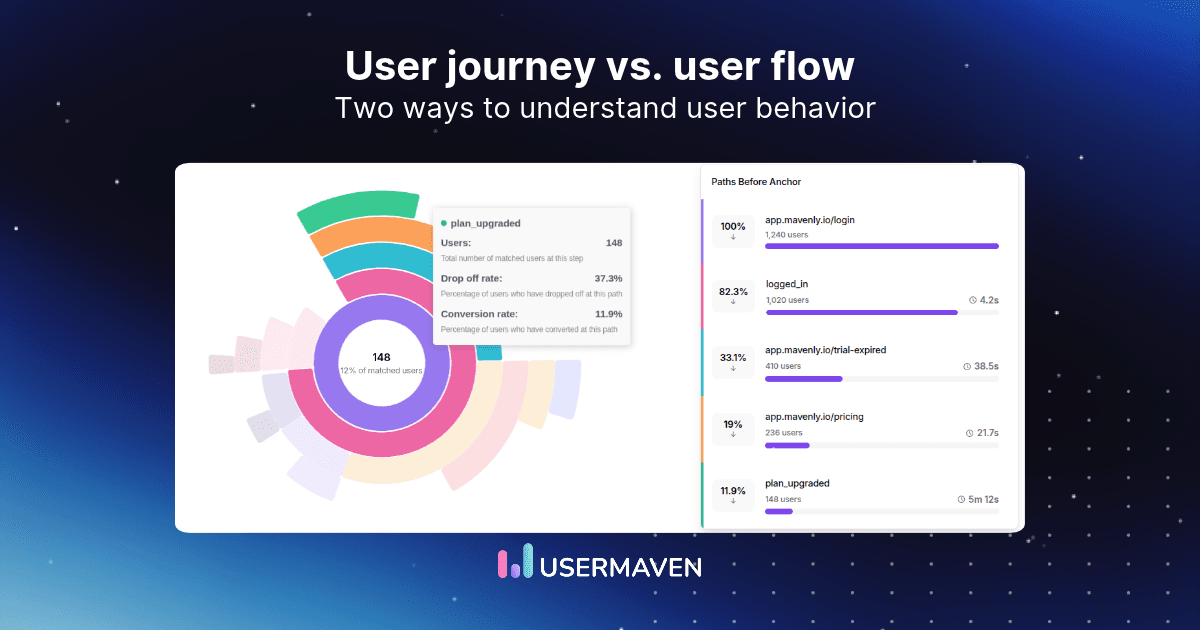
In User Journeys, choose an event, pinned event, or URL anchor; then analyze the paths before or after it. Session-level and user-level views answer different questions about behavior across visits.
The User Journeys documentation covers grouping similar URLs, removing noisy events, segmenting paths, and reviewing common routes. These features make the analysis more interpretable when URLs or events differ in small ways.
Find the drop-off with funnels and product analysis
Use Funnels to define ordered milestones such as account created, workspace configured, and project published. Pair that with product analytics to compare feature adoption across relevant segments.
Connect conversion paths with business value
For B2B SaaS teams, the important question often goes beyond signup. Connect supported acquisition, product activity, and CRM outcomes to understand which measured journeys precede qualified pipeline or revenue.
Usermaven is a Usermaven platform with attribution at the center of its reporting. Attribution assigns credit under a model; it should not be presented as experimental proof of incremental impact.
Use AI investigations without overstating automation
Maven AI can help investigate trends and build reports. Scheduled Maven AI Agents can review defined funnels or campaign changes and deliver findings, but their scheduled runs use read-only analytics tools.
Before interpreting a sudden journey change, the Measurement Trust Center helps surface issues in collection, tagging, customer matching, connected platforms, and data confidence.
First-party example from PostNitro
The PostNitro case study shows why behavioral journeys matter more when they inform a specific product decision.
PostNitro used onboarding and homepage behavior to investigate where interested visitors stopped progressing. The team introduced an interactive demo so people could experience the product before committing to signup.
The case study reports 576 demo clicks and approximately 70% demo-to-signup conversion among demo users, plus around 50% less reporting time. These are reported observed results, not a controlled causal-lift estimate.
Common journey mapping mistakes
- Confusing the tools: A digital path diagram is not automatically a qualitative customer journey map, and a whiteboard is not behavioral measurement.
- Assuming every touchpoint is captured: Offline actions, missing consent, unrecognized devices, and third-party domains can create gaps.
- Combining incompatible counts: Sessions, unique users, events, and model-attributed conversions are different units.
- Skipping customer context: A lower click count can represent a more successful experience if customers get their answer quickly.
- Leaving maps unchanged: Assign an owner and a review date. Retire claims that no longer match customer research or observed behavior.
Choose a tool that matches the question
Pick Miro, UXPressia, or another visual platform when the missing piece is a shared picture of customer expectations. Choose analytics when the question is how measurable users move through the actual product.
When the decision depends on journey steps, conversions, and revenue attribution, book a demo to explore Usermaven’s customer journey reporting with a real measurement objective.
FAQs
1. What is the best customer journey mapping tool?
There is no universal best tool. Use a visual platform for workshops, personas, and service blueprints; use journey analytics for actual paths, drop-offs, and conversion measurement. Some teams need both.
2. What is the difference between mapping and analytics?
Customer journey mapping documents how an experience works or should work, including emotions and handoffs. Journey analytics measures observed digital interactions and supports comparisons of paths and outcomes.
3. Are there free customer journey mapping tools?
Yes. Miro, FigJam, and UXPressia have free entry options, subject to limits. Analytics providers also offer different trial or free allowances. Verify current limits before selecting a paid plan.
4. Can Google Analytics 4 map customer journeys?
GA4 Path Exploration and Funnel Exploration can analyze tracked digital paths. They do not replace collaborative persona research, service blueprints, or a complete view of offline customer interactions.
5. Which tools help SaaS teams analyze onboarding?
Usermaven, Amplitude, Mixpanel, Pendo, and Heap offer different ways to examine onboarding events, paths, and funnels. Select based on instrumentation, governance, revenue questions, and required product guidance.
6. What should a customer journey map contain?
Include the target customer, job-to-be-done, journey stages, touchpoints, actions, emotions or feedback, pain points, evidence, owner, and proposed improvements. Mark assumptions separately from observed facts.
7. How do teams measure journey improvements?
Updated

Written by
Adeel Khan
Growth Marketing Expert
Adeel Khan is a full-stack SaaS marketer with 10+ years of experience in content marketing, paid advertising, analytics, and conversion rate optimization. He shares practical insights and strategies drawn from hands-on experience, helping B2B SaaS marketers improve performance and make better marketing decisions.
All articles by Adeel →