

Troubleshoot a cookie consent manager blocking Usermaven
If a cookie consent manager (CMP) is running on your site, it can silently break Usermaven tracking by deleting the Usermaven visitor cookie. When that happens, the same person is counted as two or more separate visitors and their journey is split.
This article explains how to recognise the problem and what to change.
Symptoms
You're probably hitting this if you see any of the following:
Visitor counts that look inflated on a page reachable through a cross-domain or subdomain step, especially a signup or checkout page.
Journeys that start mid-funnel. The customer's timeline begins at the signup or checkout page, with no landing-page visit before it.
Paid traffic showing as anonymous. Visitors who arrived from a campaign appear as "Anon" in segments because the original source was lost.
Attribution that drops a channel. A campaign reports clicks but no conversions, even though conversions are clearly happening.
Why it happens
Usermaven identifies returning visitors with a first-party cookie named __eventn_id_<YOUR_API_KEY>.
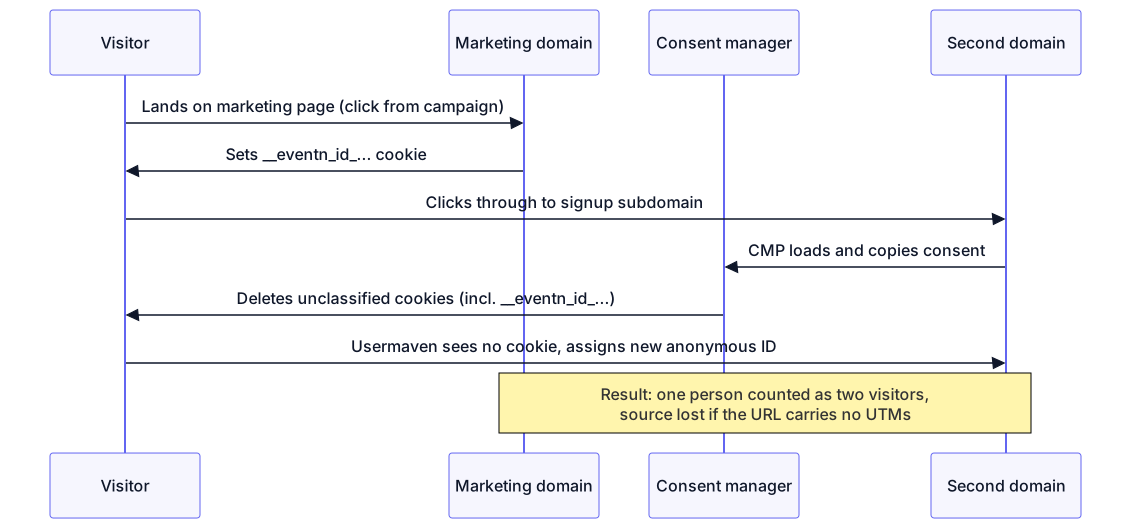
Many consent managers run in auto-blocking mode. On the first visit to a new subdomain, the CMP copies consent from the main site and then actively removes cookies it doesn't recognise or that are classified as unclassified/pending. If the Usermaven cookie is on that list, it is deleted the moment the visitor reaches the second domain — even when all consent categories have been accepted.
The result: Usermaven can't recognise the returning visitor, assigns a new anonymous ID, and the original source is lost whenever the destination URL doesn't carry UTMs or ad IDs.
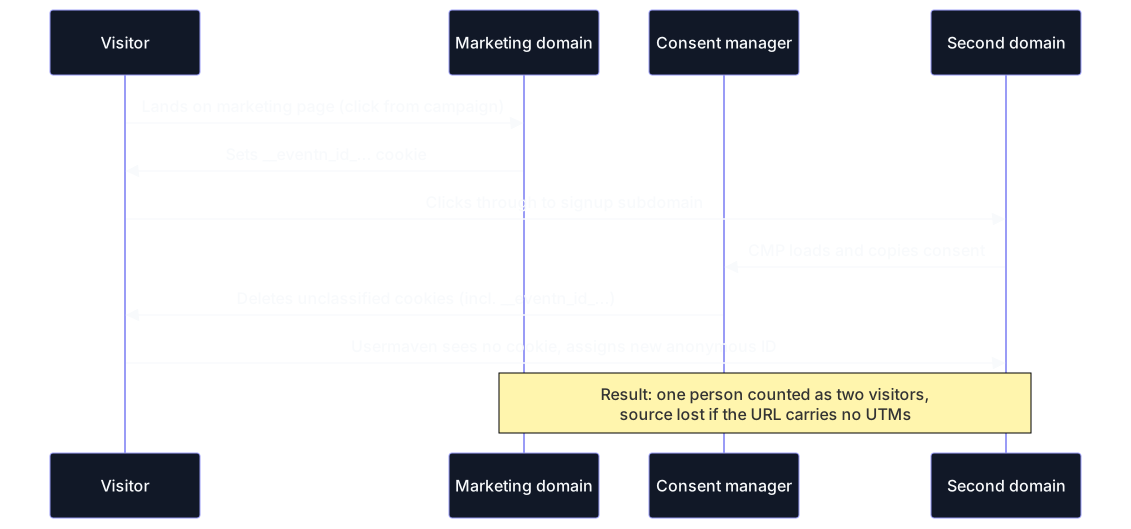
Classifying the cookie as Analytics in the CMP prevents the deletion step, and the two visits stitch into one visitor.
Fix: classify the Usermaven cookie
The fix is to tell your consent manager that the Usermaven cookie is a legitimate analytics cookie, not an unclassified one.
Open your CMP's cookie declaration. Look for a cookie named
__eventn_id_...whose provider ist.usermaven.com(or your white-labeled domain) and whose purpose reads something like "Unclassified" or "Pending".Reclassify it. Change the category to Analytics (sometimes labeled Statistics or Functional) and give it a real purpose description, for example "Usermaven analytics — recognises returning visitors".
Re-scan the site in your CMP so the corrected declaration is published.
Re-test in a private window: land on your marketing page, click through to the second domain, and confirm in your browser's developer tools that the
__eventn_id_...cookie survives the navigation.
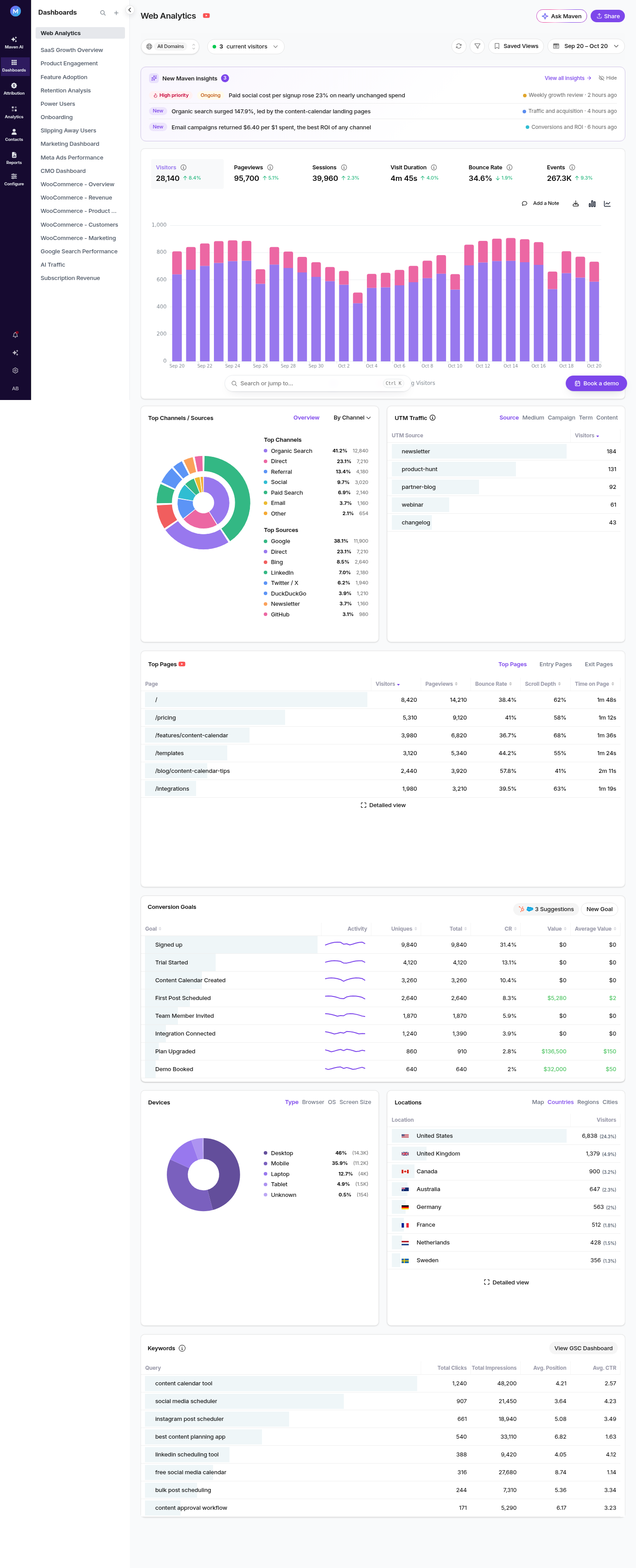
Once the cookie is classified and preserved, the two visits stitch into a single visitor.
Prevention
Do this before launch on any multi-domain or subdomain funnel, not after the fact.
Re-check after CMP changes. Cookie declarations can revert when a CMP re-scans a site.
Check the cookie survives each hop, not just the first page load.
Related
Identity resolution in Usermaven — how anonymous and identified sessions are stitched.
Cross-domain tracking — making the anonymous ID survive between separate domains.
Cookie-less tracking — running Usermaven without a persistent cookie.
Was this article helpful?